Main improvements
- Sentence audio playback — Tap the speaker icon next to a sentence to hear it read aloud in Mandarin. Not every article has audio yet, but we are rolling it out article by article and will add the ability to generate audio for more sentences shortly afterwards.
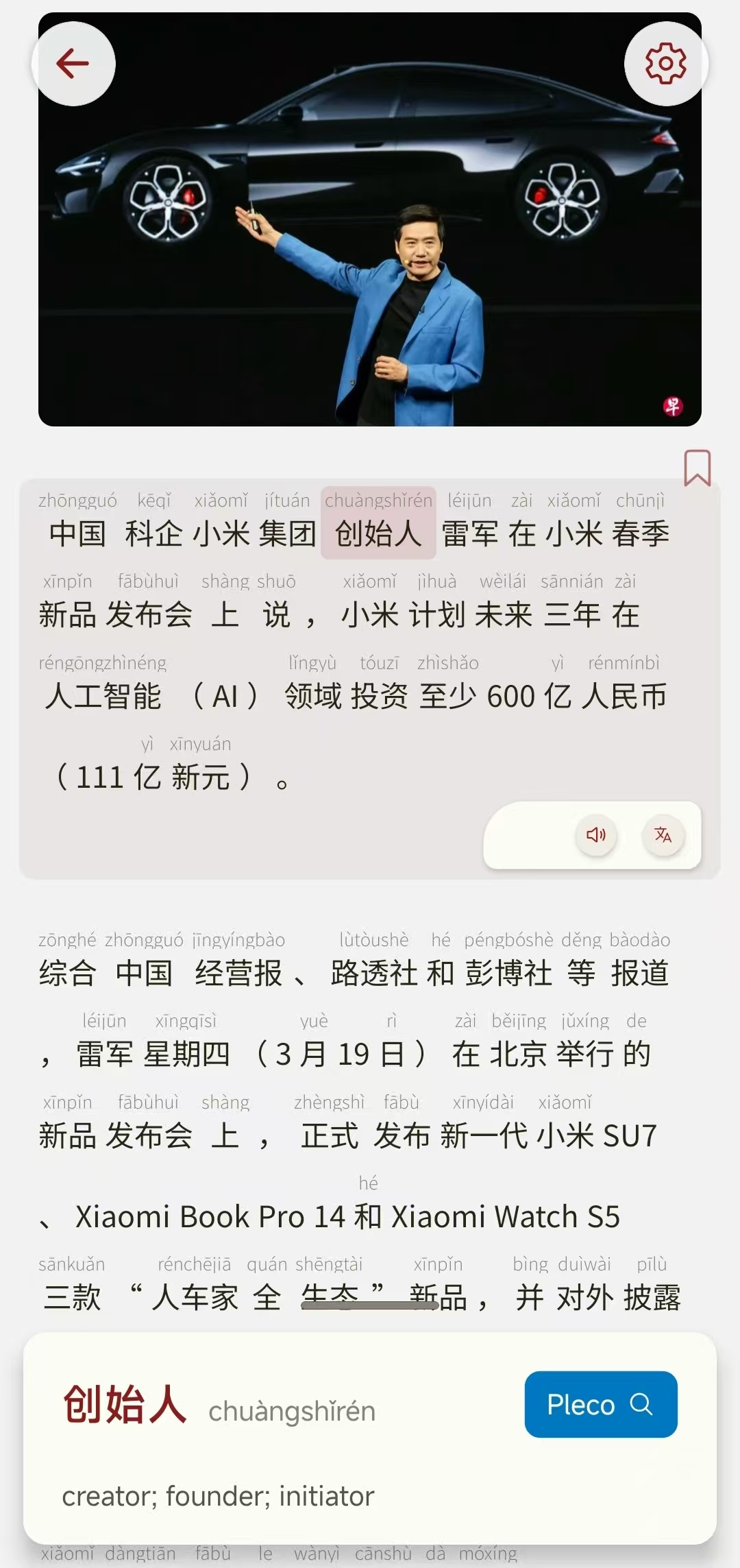
- Share article links — Use the share button on the article header to send a link to a study partner or open the same article on another device.

-
On-demand font downloads — The optional Chinese font pack is no longer included in the first install. The APK is about 20 MB lighter — around 100 MB instead of ~120 MB. If you want Noto Sans SC for reading, download it from Settings when you are ready. You can also remove downloaded fonts later to free up space on your phone.
-
Typography and font controls — Chinese text looks cleaner with the downloadable Noto Sans SC font. Font size steps feel more natural when you adjust text size in Settings, and you can preview and switch reader fonts without leaving the app.
-
Reading UX polish — The audio and translate buttons beside each sentence are easier to reach. Dictionary lookups in the study panel are also easier to read alongside the article text you chose.
What’s coming next in the next releases:
-
Article simplification — We are testing ways to simplify native articles so intermediate learners can read real news more comfortably. We expect this in the v0.8.0 release (07-2026)
-
Anki integration — Anki is a great tool for learning all things so we will be integrating LCN with AnkiAndroid
-
Arabic dictionary — We are still looking for a good free Chinese → Arabic dictionary so Arabic can get the same built-in dictionary support as English. Let me know if you know any good ones to integrate!